Language: 한국어
Getting started
Short public hub from download to a working agent — not the full handbook. Use Get started for the four-step recipe path; open /handbook/ for procedures, platforms, and developer reference.
Handbook (/handbook/)
Open handbookThis /docs page is the public getting-started hub (install path, FAQ, short links into Tour / Pricing / account). The full handbook at /handbook/ is the long-form guide — user guides, platforms, and developer reference. Routes stay separate on purpose so marketing does not rewrite the handbook.
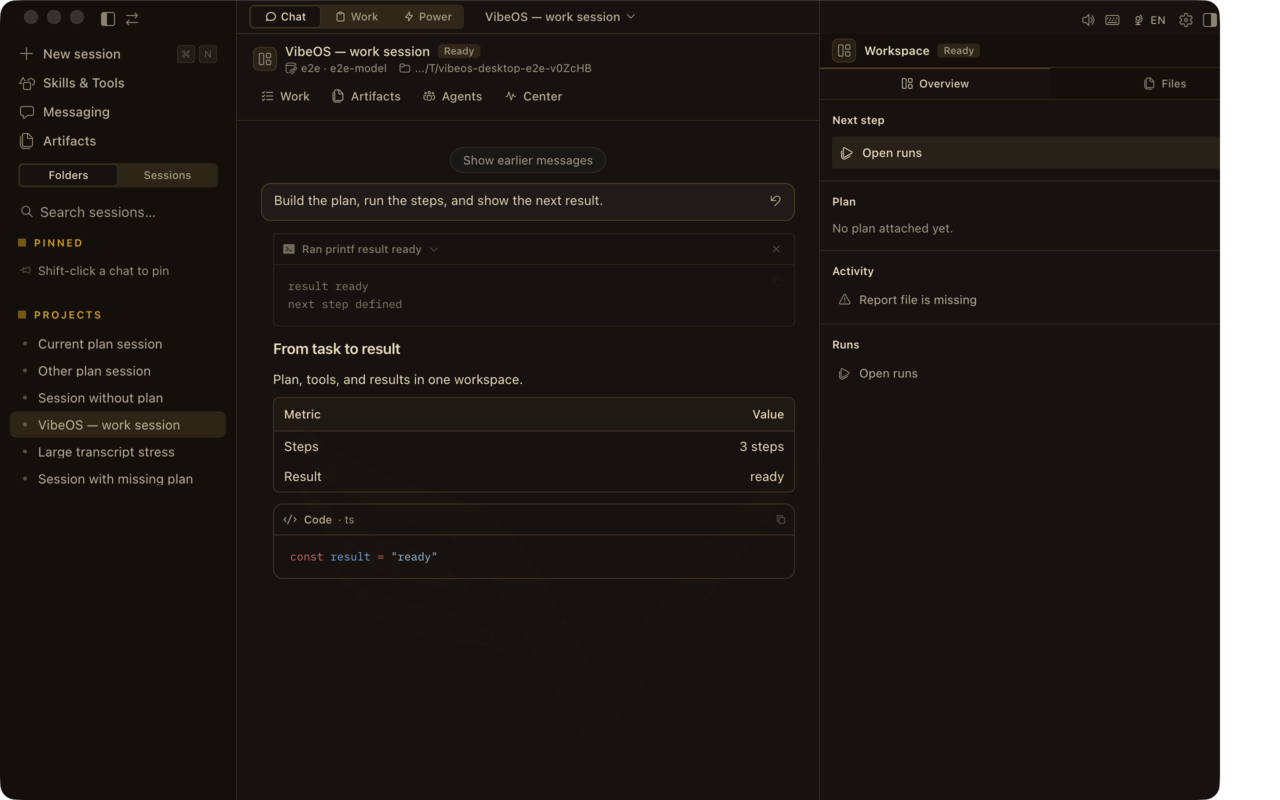
How the product looks
Desktop chat with Plan · Report · Design · Runs, Work inbox, approvals, and skills — the same surfaces the product pages claim.
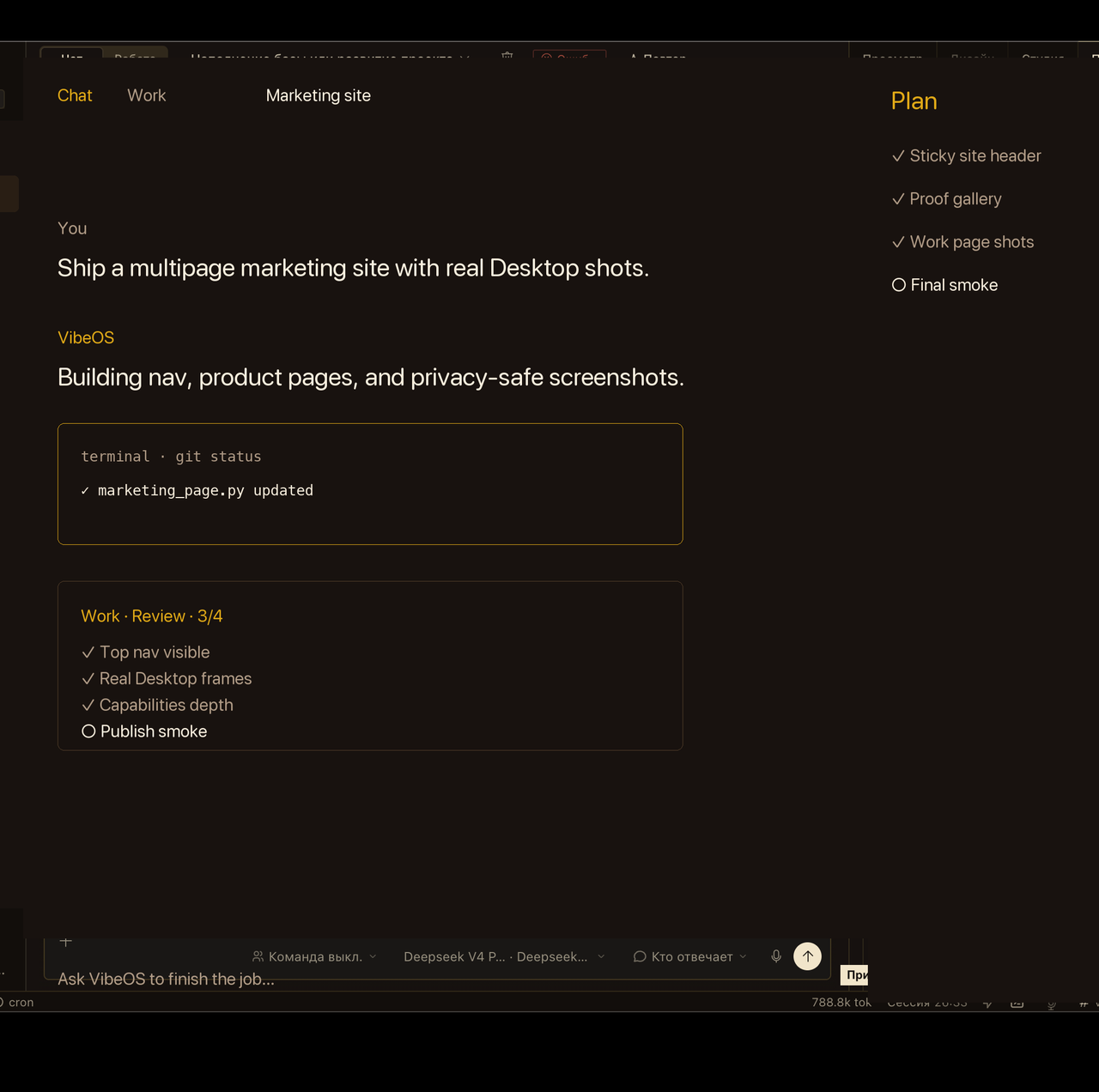


Privacy-scrubbed Desktop captures and marketing-demo loops — not a live customer session, credential, or private project.
Five steps (about 15 minutes)
Plain language
쉬운 말로Full documentation
Open handbookProduct tour
Start tourDesktop app
다운로드Hosted plans
View plansAccount
Create a VibeOS accountCLI from source
Prefer terminal? Clone the repo and bootstrap. Same agent core as the desktop app.
git clone https://github.com/Linx72/VibeOS.git && cd VibeOS
./scripts/bootstrap-vibeos.sh
vibeos doctor
FAQ
Do I pay for model tokens in the VibeOS plan?
No. Hosted plans are seat + BYOK. You pay your model provider directly.
What is Free?
Free means self-hosted / local CLI and desktop — not a hosted dashboard account.
Why do I need an invite?
Signup on vibeos.com.ru is invite-based so each paid or trial seat gets an isolated home. Ask for a trial or complete checkout when enabled.
Can my hosted seat run Telegram bots?
Not yet on the shared hosted gateway. Self-host VibeOS for full messaging; hosted seats focus on the web workspace today.
Where do I get help?
Start with this hub and the handbook. Support contact appears on Pricing when the seller profile is filled in.
Stuck?
Need hosted access? Ask for an invite, or watch pricing for self-serve checkout. 로그인 · Offer