The agent can use the terminal, files, web, browser, memory, and more. Most power lives in skills and plugins so the core stays lean. The matrix below is a novice bridge: job → start surface → toolsets.
New here? Start with scenarios or the capabilities catalog.
Use cases
· Capabilities
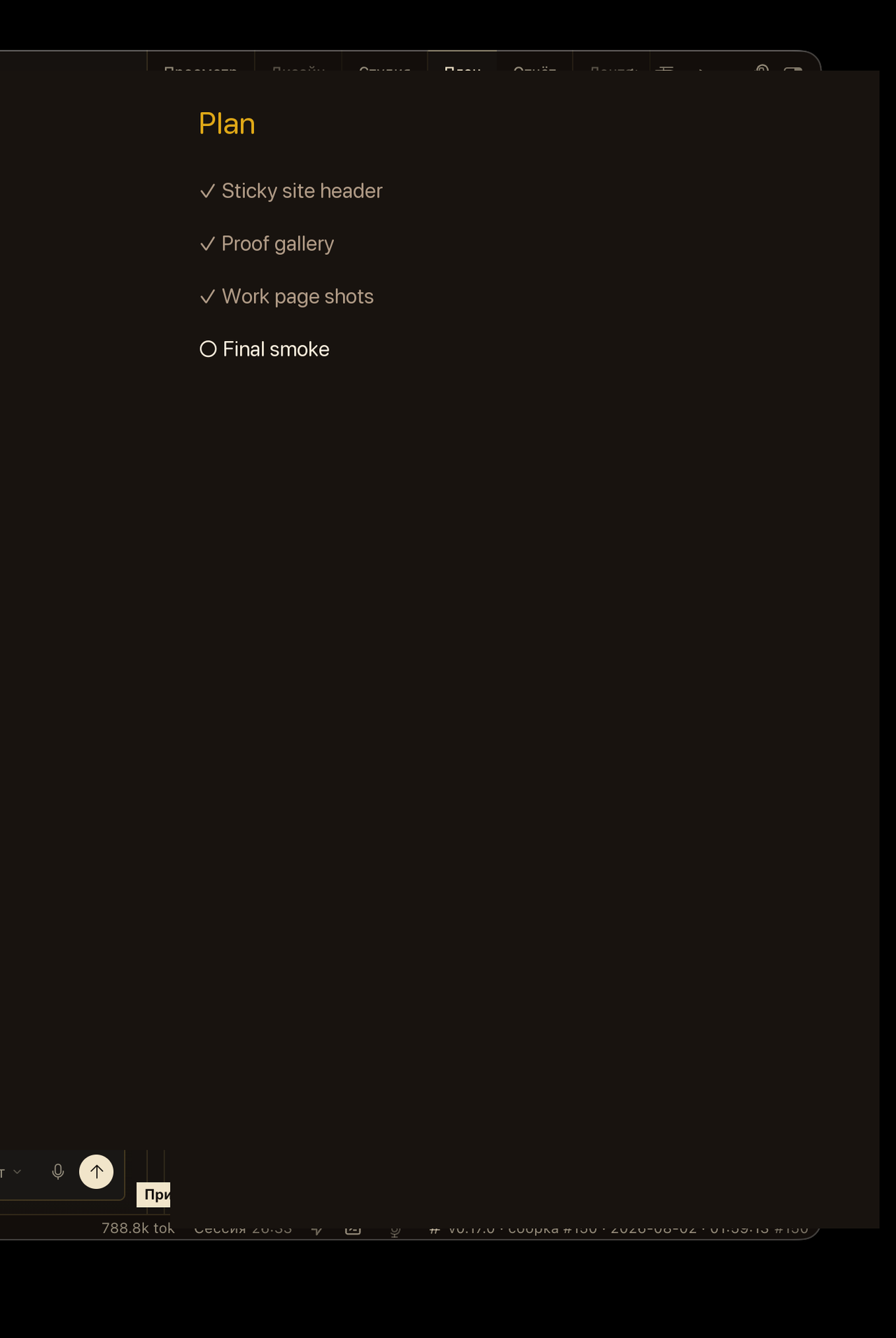
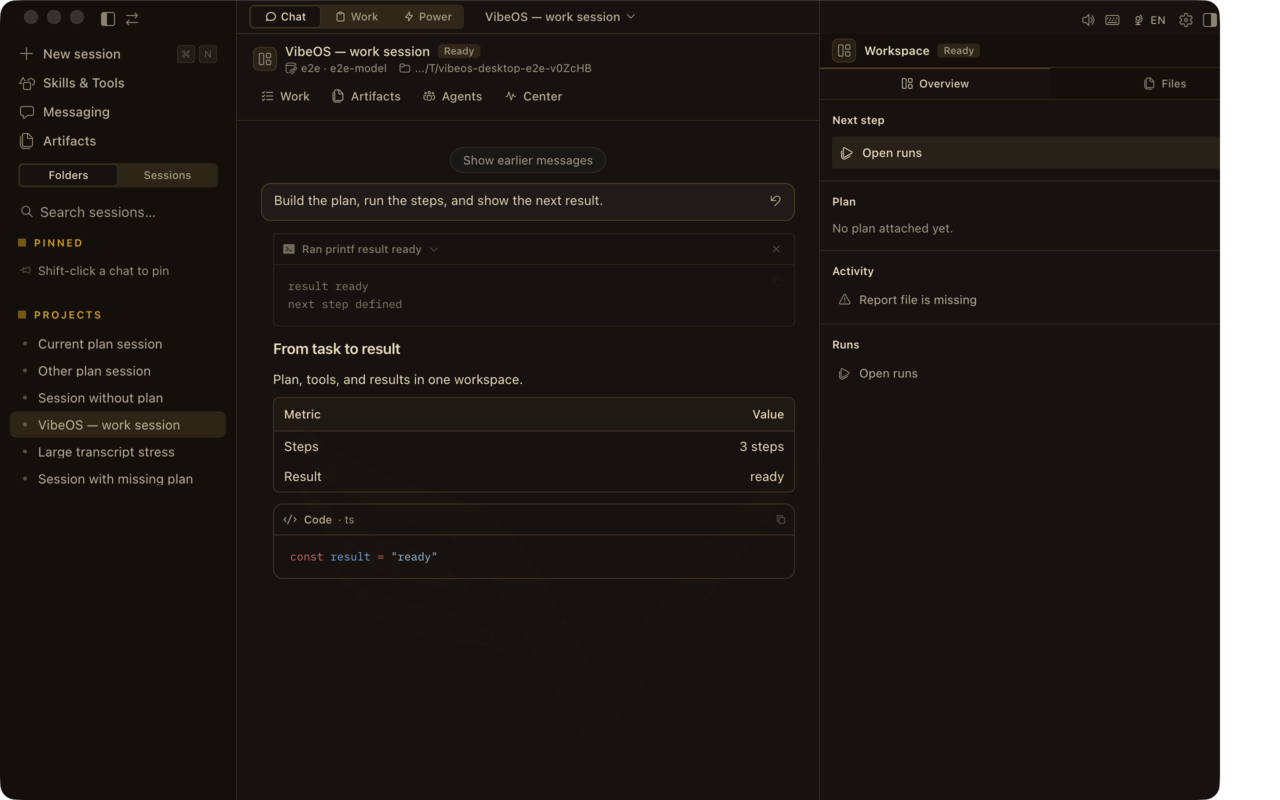
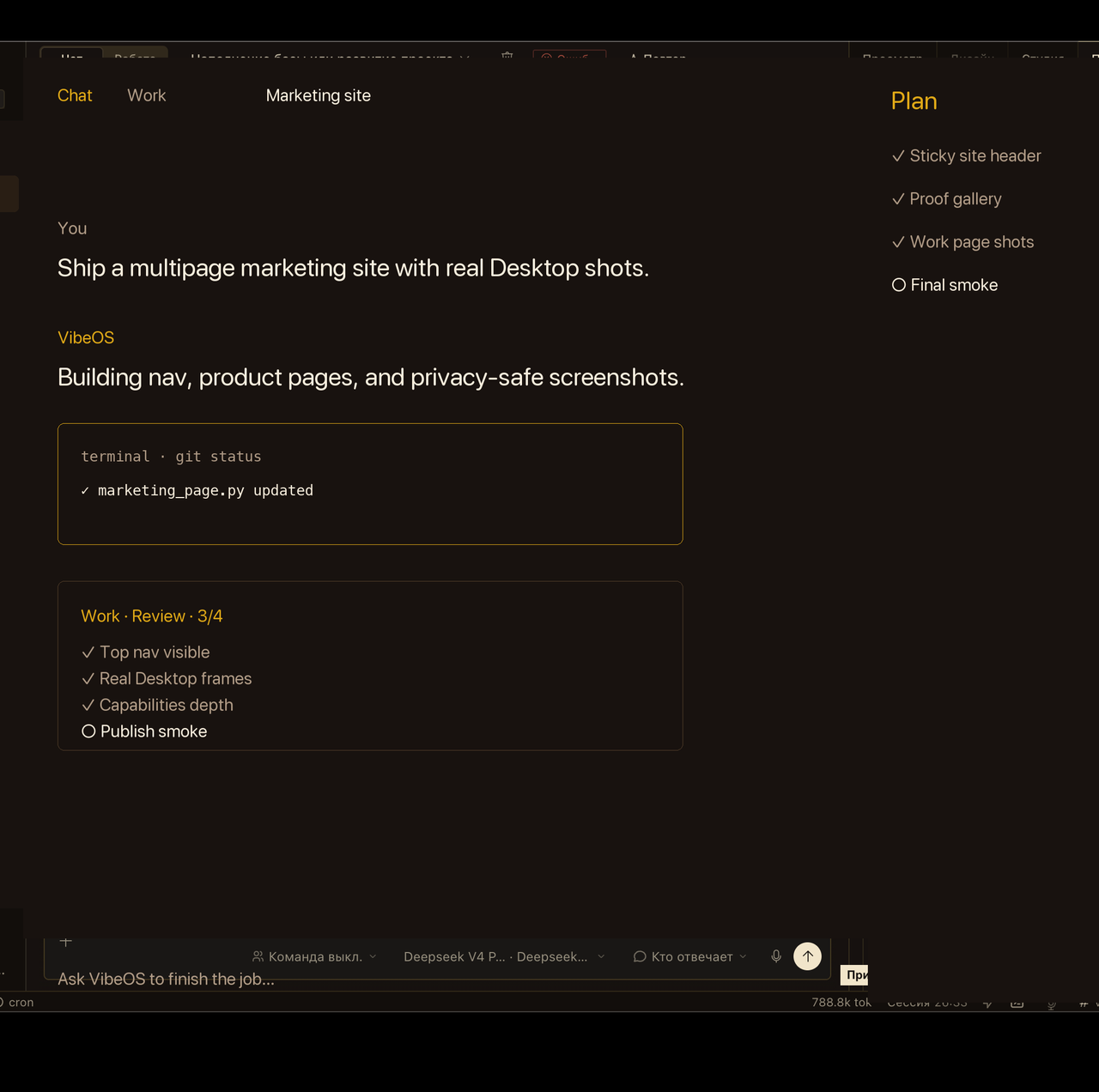
Desktop chat with Plan · Report · Design · Runs, Work inbox, approvals, and skills — the same surfaces the product pages claim.
Frames as of 2026-08-06 — refreshed with each Desktop release.
Chat + Plan rail — ask, plan, act, verify.Work inbox keeps goals visible after the chat window closes.Sensitive actions pause for explicit approval.Skills load repeatable playbooks without bloating the core.
Privacy-scrubbed Desktop captures and marketing-demo loops — not a live customer session, credential, or private project.
Where to start
Novice bridge: match the job to a starting surface, then enable the toolsets you need. Prefer skills / plugins / MCP before asking for a new core tool.
Schedule jobs, manage multi-agent boards, spawn leaf or orchestrator subagents.
Vision, image, TTS
Multimodal analysis, image generation, speech synthesis — enabled when providers are set.
Research Pro
Cited multi-source research without growing the core tool schema: search backends, skills that grade evidence, MCP for apps, and scheduled briefings.
Search & extract
Yandex Search (RU), Exa, Tavily, Firecrawl, and more via `web_search` / `web_extract`. Preset: `vibeos research preset research-pro --apply` (or Desktop → Settings → Research Pro).
Procedural docs + scripts the model loads on demand. Zero permanent tool-schema cost.
MCP servers
Catalog MCP servers (Linear, Notion, GitHub, Google Workspace, Perplexity, scholar-search, Obsidian, n8n, …) — install with `vibeos mcp` without shipping SaaS SDKs in core.
Plugins
Register tools, hooks, CLI commands, model providers, and memory backends from ~/.vibeos/plugins.
Model providers
OpenRouter, Anthropic, OpenAI-compatible endpoints, and more — BYOK on hosted plans.
Hooks
Run custom code at lifecycle points — observe, rewrite, or block — without crashing the agent if a hook fails.
Control surface
Enable or disable toolsets per platform with `vibeos tools` or config.yaml. Security approvals, checkpoints/rollback, and credential pools stay under your control.