Agent Modes
In the composer Mode pill walk Ask → Plan → Agent, then Debug or Review when you need facts or critique.
Modes guide tool policy for the session and do not rebuild the system prompt mid-conversation.
Agent Modes handbookVibeOS
Not one chat tab — a local agent with Plan rail, Work inbox, approvals, and skills. Download is free; model keys are yours (BYOK). Frames below are privacy-safe product proof.
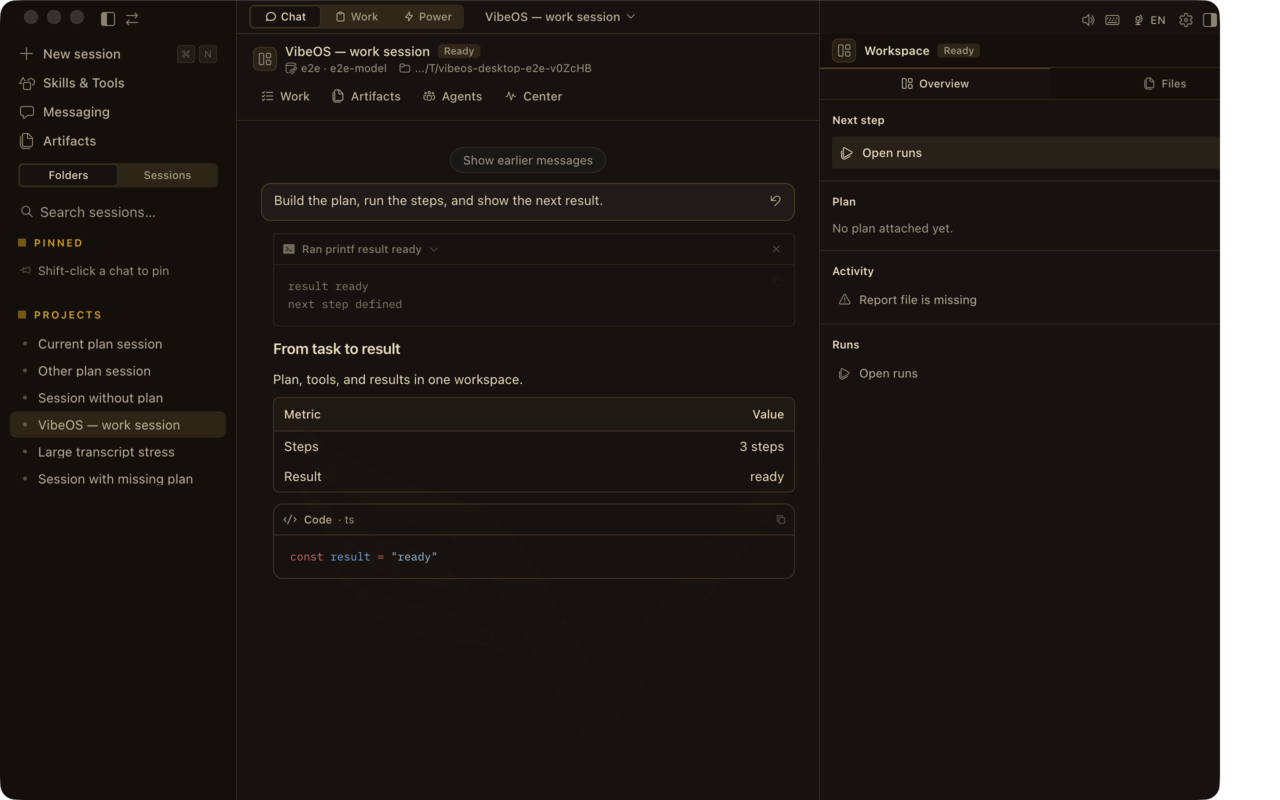
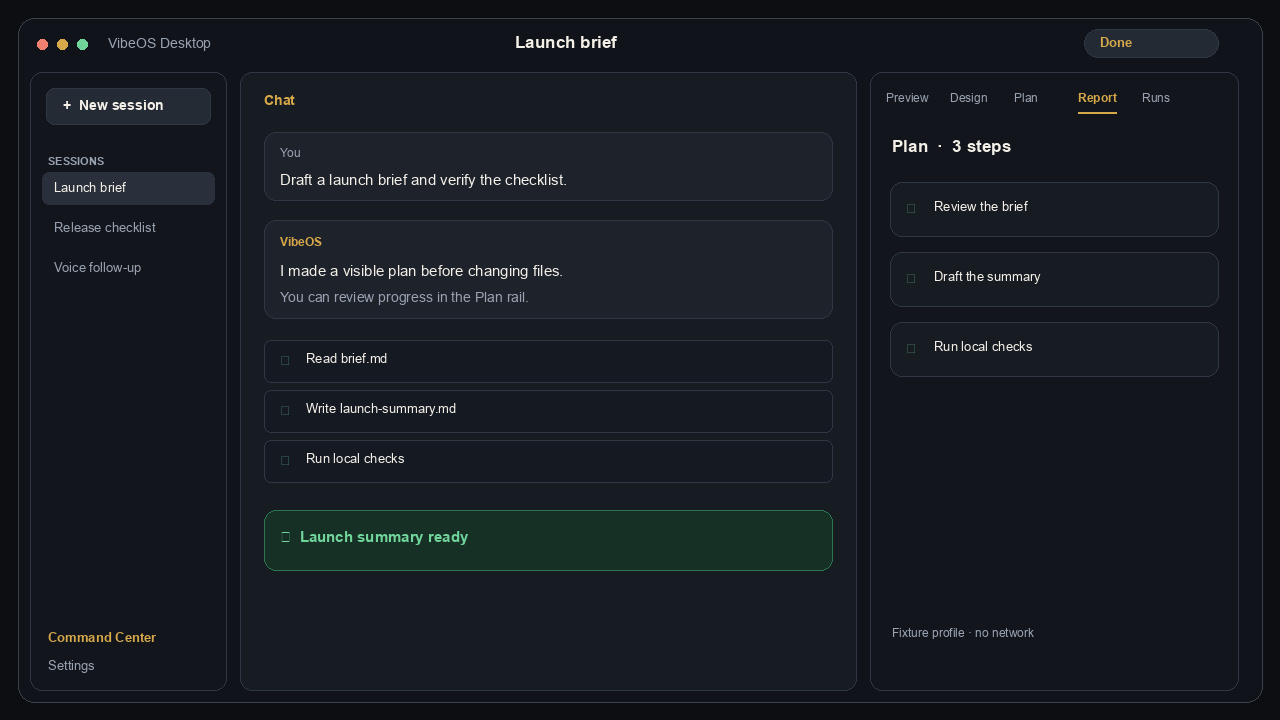
The right rail keeps plan, report, design variants, run history, and activity replay beside the conversation — proof frames show the same tabs you get after install.
Pick a mode, check system health, or talk live — each surface has a clear entry and honest limits.
In the composer Mode pill walk Ask → Plan → Agent, then Debug or Review when you need facts or critique.
Modes guide tool policy for the session and do not rebuild the system prompt mid-conversation.
Agent Modes handbookOpen ⌘. / Ctrl+. to jump from session search to storage health and token usage without leaving Desktop.
Usage shows activity and tokens; billing totals are clearer at your provider.
Command Center handbookOptional live dialog that can start, stop, and steer work — and still respects approvals.
Realtime is off by default; classic STT → agent → TTS remains the fallback.
Voice handbook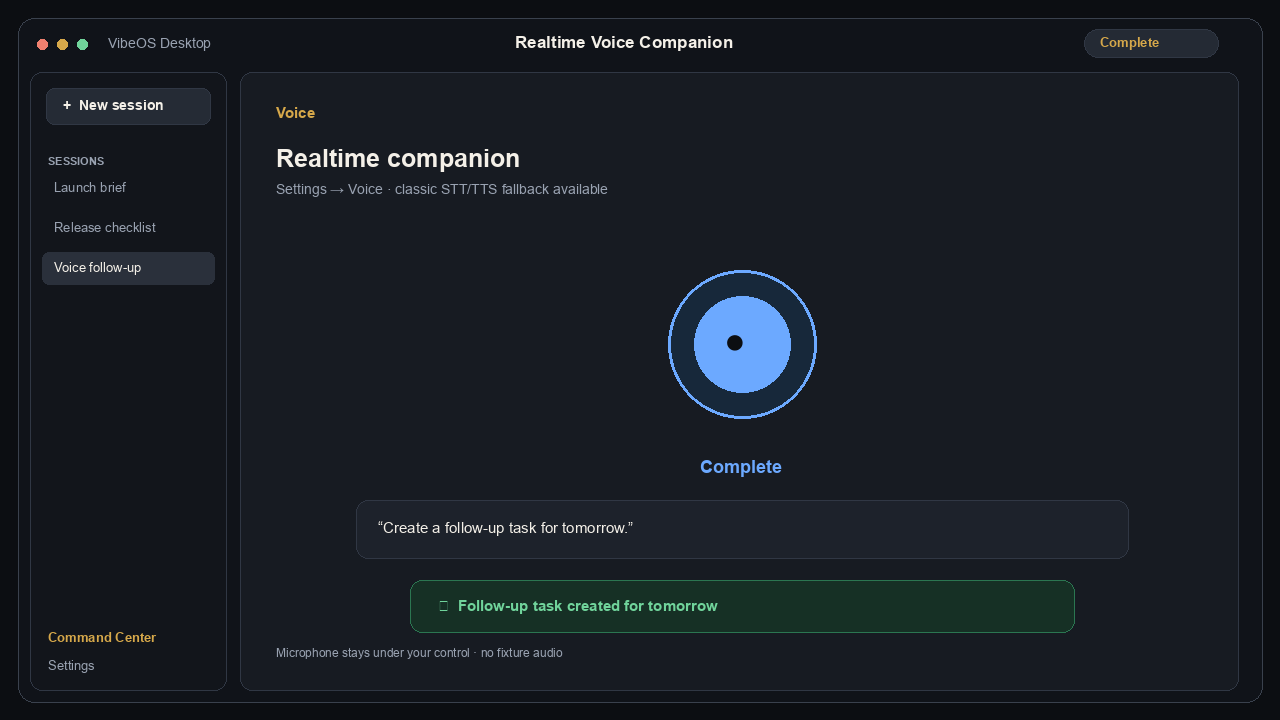
Desktop chat with Plan · Report · Design · Runs, Work inbox, approvals, and skills — the same surfaces the product pages claim.
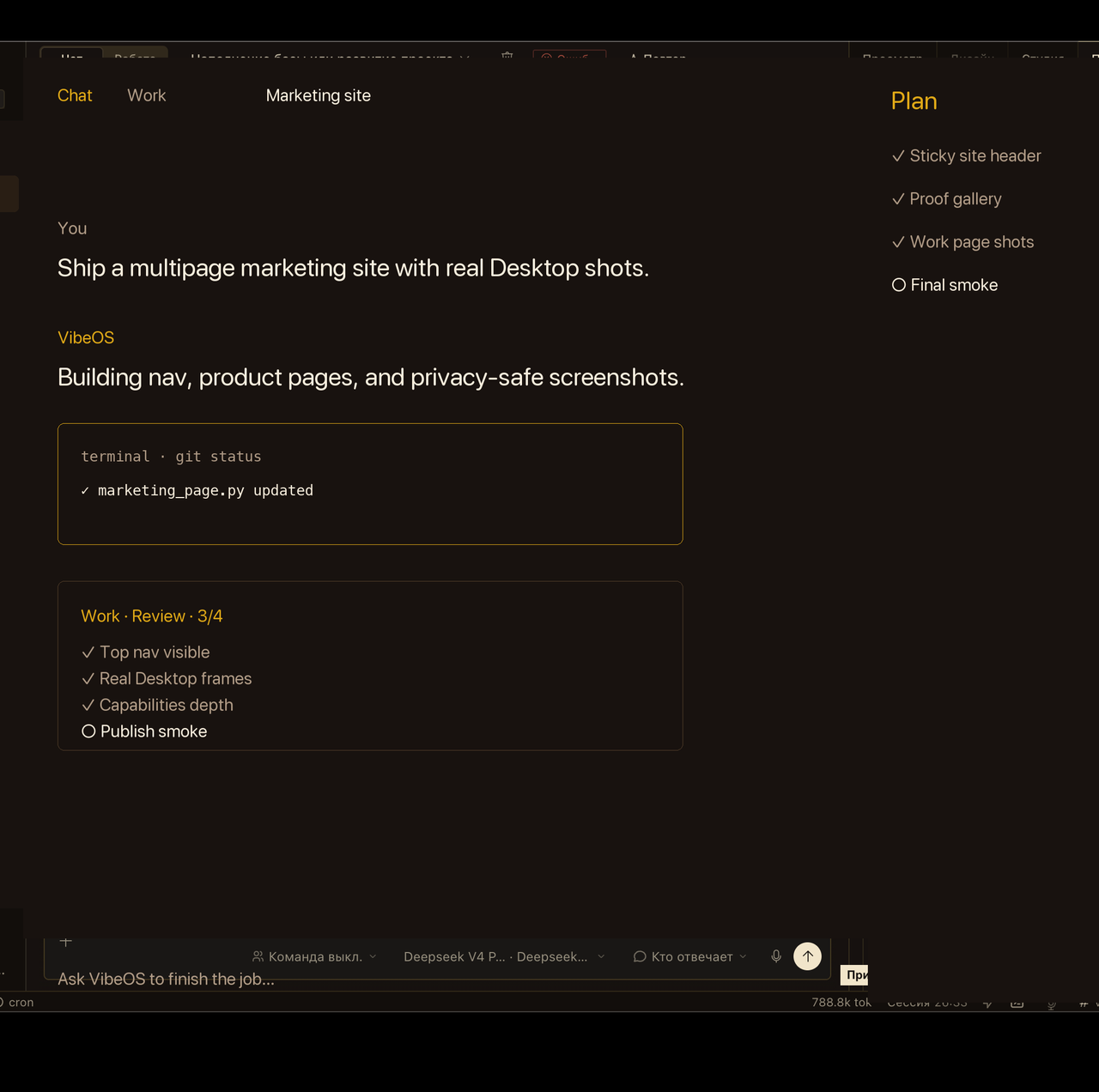


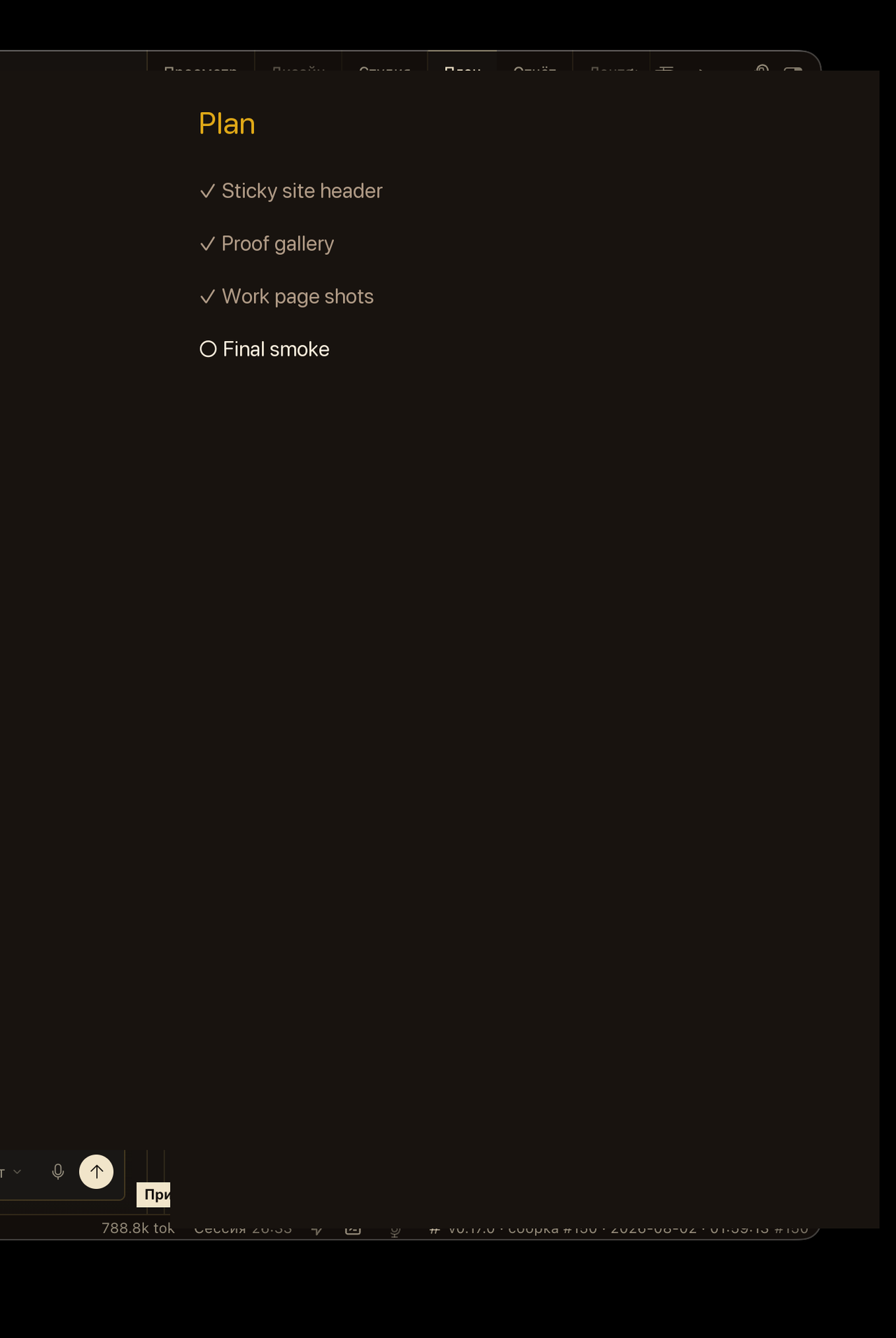
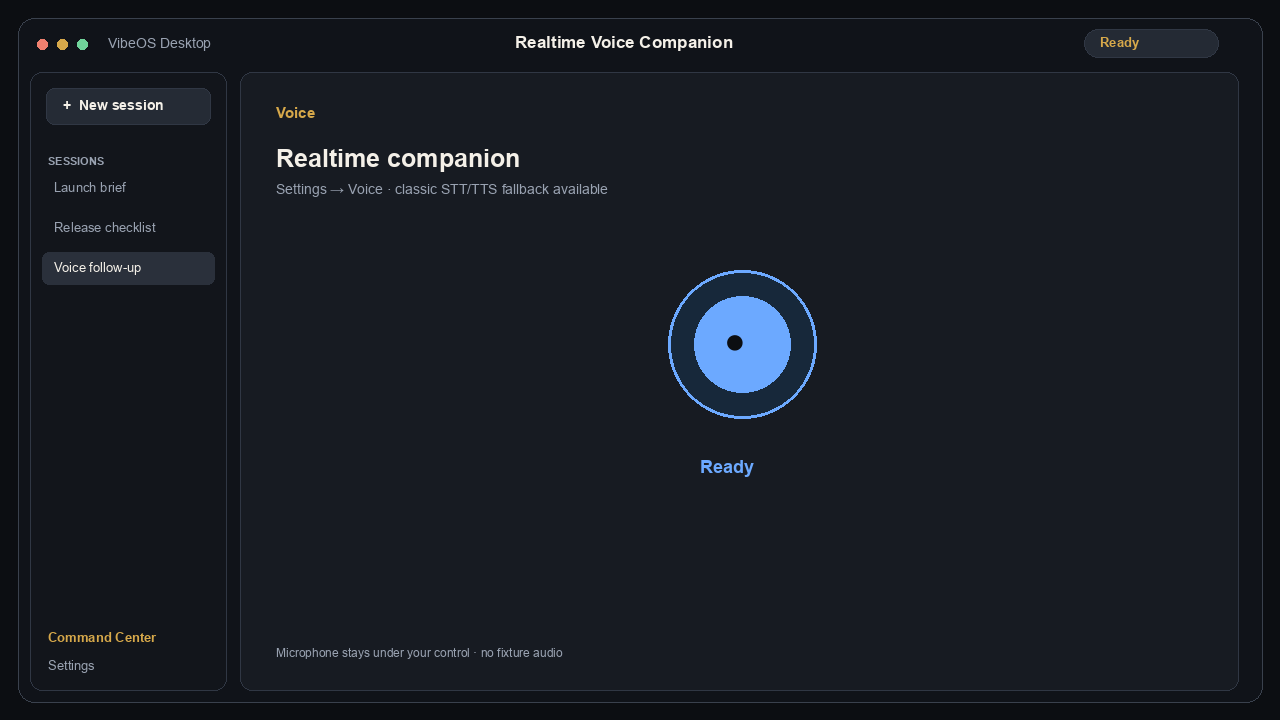
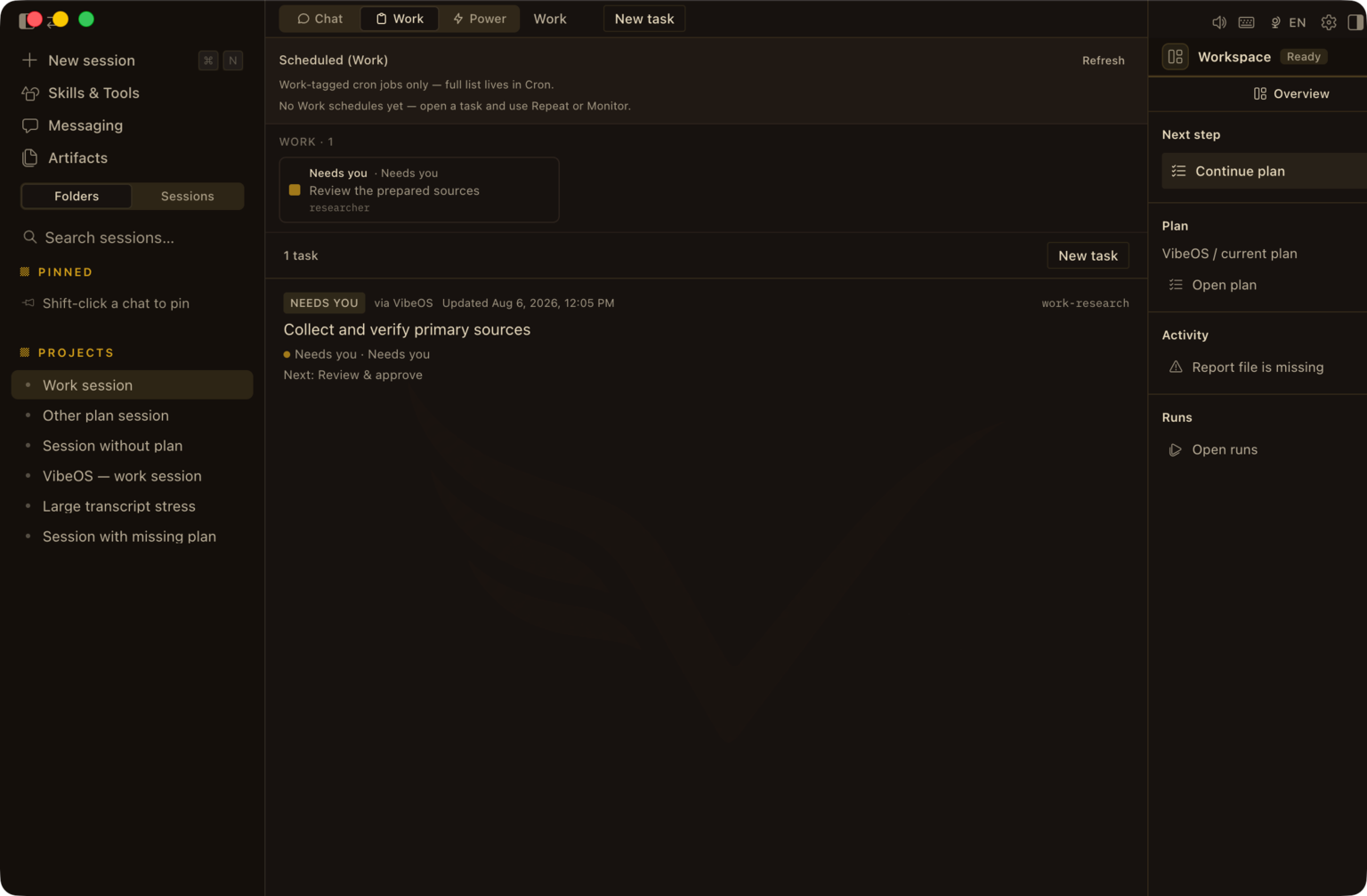

Privacy-scrubbed Desktop captures and marketing-demo loops — not a live customer session, credential, or private project.
Desktop is richest. The same agent runs in CLI/TUI, optional dashboard, IDE, and messengers when you run the gateway.
Install Desktop, connect your model provider, start with one real task. Hosted access is optional.