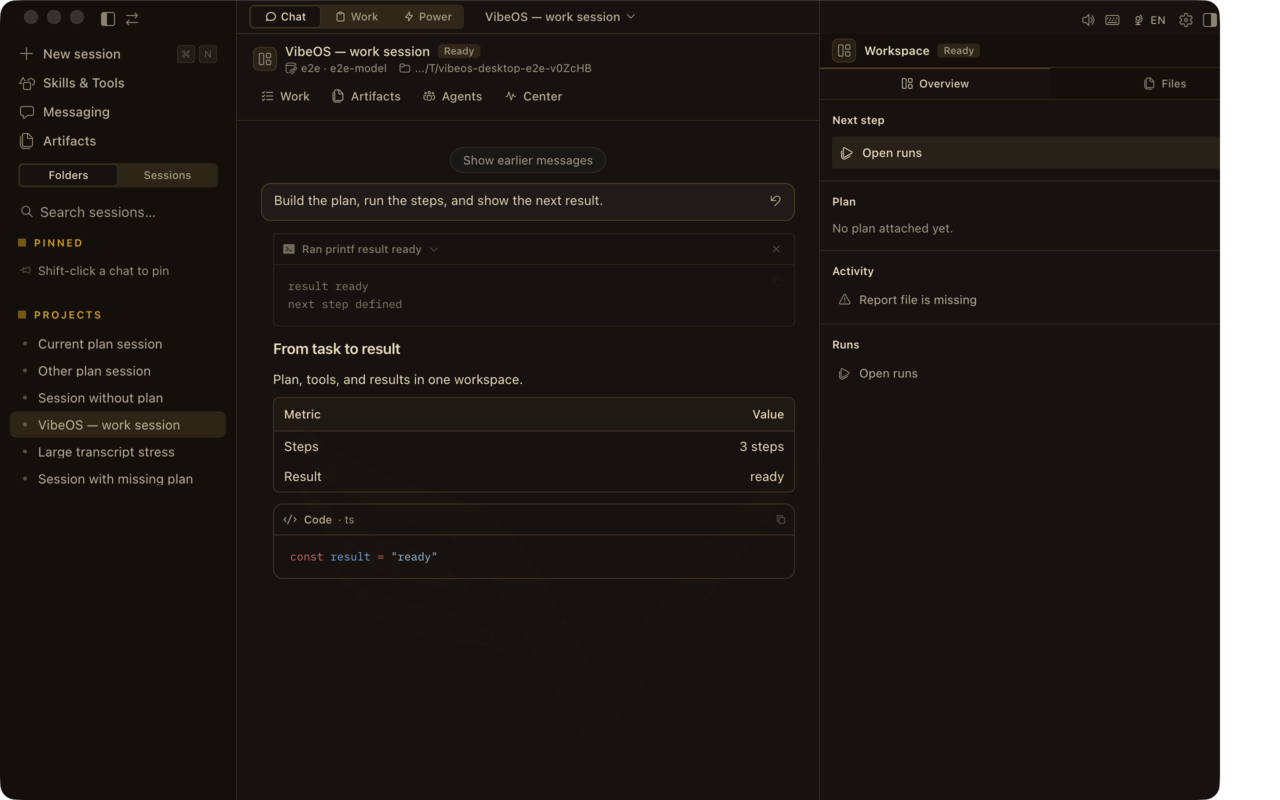
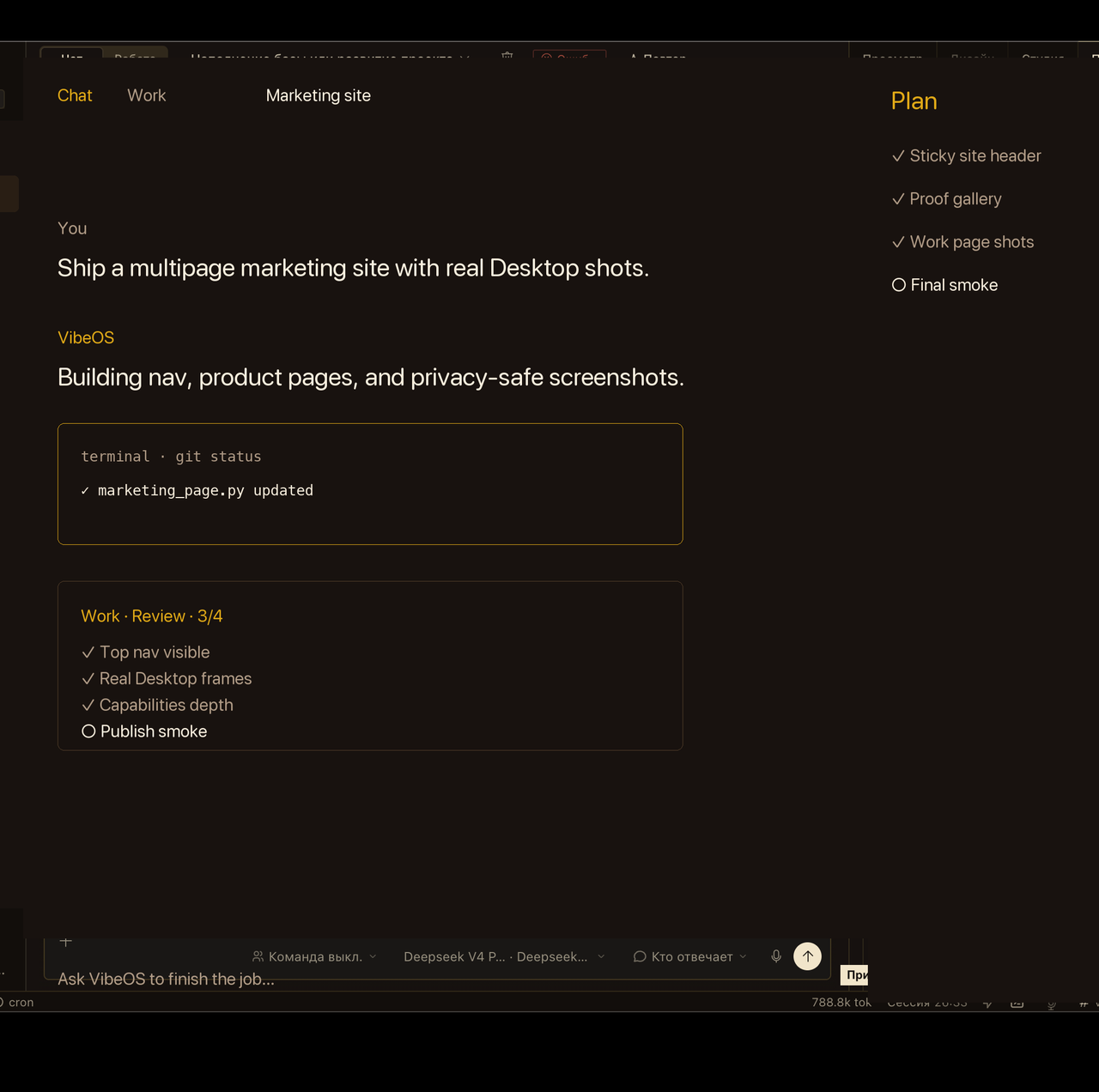
あなたのコンピュータ上のパーソナル AI エージェント

Instrumentarium

The agent can use the terminal, files, web, browser, memory, and more. Most power lives in skills and plugins so the core stays lean. The matrix below is a novice bridge: job → start surface → toolsets.

初めてですか?シナリオや機能カタログから始めてください。 ユースケース · 機能

Back to capabilities エコシステム Getting started
Command Center
⌘. / Ctrl+. でセッション検索からストレージ健全性・トークン利用へ、Desktop を離れずにジャンプ。

どこから始めるべきか

初心者ブリッジ: ジョブを開始サーフェスに合わせてから、必要なツールセットを有効にします。新しいコアツールを求める前に、スキル / プラグイン / MCP を優先してください。

仕事 ここから始めましょう ツールセットとエッジ
船番Desktop チャット + Plan rail、または CLI/TUIターミナル · ファイル · コード実行 · スキル (言語/PR)
研究概要Desktop + Research Pro プリセットウェブ · ブラウザ · 調査スキル · オプション MCP
作戦ダイジェストDesktop または Work Mode の目標端末 · ウェブ · cron · 承認
メッセージングエージェントセルフホスト型ゲートウェイメッセージング ツールセット、承認、プラットフォーム アダプター
スタンディングオートメーションCron ジョブまたは kanban ボードcronjob · kanban · 委任 (プロセスローカル)
カスタム機能生態系ページ→フットプリントラダースキル→プラグイン→MCP→コアツール(最後)

「vibeos tools」または config.yaml を使用してプラットフォームごとに有効/無効にします。サービスゲート ツール (kanban、ホーム アシスタントなど) は、設定されるまでスキーマから離れたままになります。

What it can touch

Terminal & environments

Local shell, Docker, SSH, and cloud backends. Background processes with completion notify.

Files & code

Read, search, patch, and execute code; project context from AGENTS.md / CLAUDE.md / SOUL.md.

Web & browser

Web search/extract (Firecrawl, Exa, Tavily, Yandex Search, and more), browser automation, `vibeos research` workspaces/presets, and cited briefing skills.

Memory & session search

Write curated memory, recall prior sessions, optional external memory providers.

More tool families

Built-in tool families

Cron, kanban, delegate

Schedule jobs, manage multi-agent boards, spawn leaf or orchestrator subagents.

Vision, image, TTS

Multimodal analysis, image generation, speech synthesis — enabled when providers are set.

Research Pro

Cited multi-source research without growing the core tool schema: search backends, skills that grade evidence, MCP for apps, and scheduled briefings.

Search & extract

Yandex Search (RU), Exa, Tavily, Firecrawl, and more via `web_search` / `web_extract`. Preset: `vibeos research preset research-pro --apply` (or Desktop → Settings → Research Pro).

Research skills

Bundled: professional-research, source-critique, comparative-analysis, academic-literature, longform-synthesis, quantitative-analysis, analysis-orchestration, visual-source-extract. Optional RU registries: `vibeos skills install official/research/ru-public-sources`.

Workspaces & CLI

`vibeos research run|list|show` scaffolds dated workspaces under ~/.vibeos/research/ (prompt + sources template — no LLM call). Modes: brief, deep, academic, compare, quant…

Apps & literature MCP

Catalog: Notion, GitHub, Obsidian, Linear, Tavily map/crawl, Google Workspace / Gmail / Drive, Perplexity, scholar-search. Install with `vibeos mcp install <name>`. Cron briefings: https://vibeos.com.ru/handbook/guides/research-daily-briefing/.

How capability grows

Skills

Procedural docs + scripts the model loads on demand. Zero permanent tool-schema cost.

MCP servers

Catalog MCP servers (Linear, Notion, GitHub, Google Workspace, Perplexity, scholar-search, Obsidian, n8n, …) — install with `vibeos mcp` without shipping SaaS SDKs in core.

Plugins

Register tools, hooks, CLI commands, model providers, and memory backends from ~/.vibeos/plugins.

Model providers

OpenRouter, Anthropic, OpenAI-compatible endpoints, and more — BYOK on hosted plans.

Hooks

Run custom code at lifecycle points — observe, rewrite, or block — without crashing the agent if a hook fails.

Control surface

Enable or disable toolsets per platform with `vibeos tools` or config.yaml. Security approvals, checkpoints/rollback, and credential pools stay under your control.