Language: 繁體中文
Getting started
Short public hub from download to a working agent — not the full handbook. Use Get started for the four-step recipe path; open /handbook/ for procedures, platforms, and developer reference.
Handbook (/handbook/)
Open handbook此/docs 頁面是公共入門中心(安裝路徑、FAQ、Tour / Pricing / 帳戶的短鏈接)。 /handbook/ 上的完整手冊是長篇指南 — 用戶指南、平臺和開發人員參考。路線故意分開,這樣營銷就不會重寫手冊。
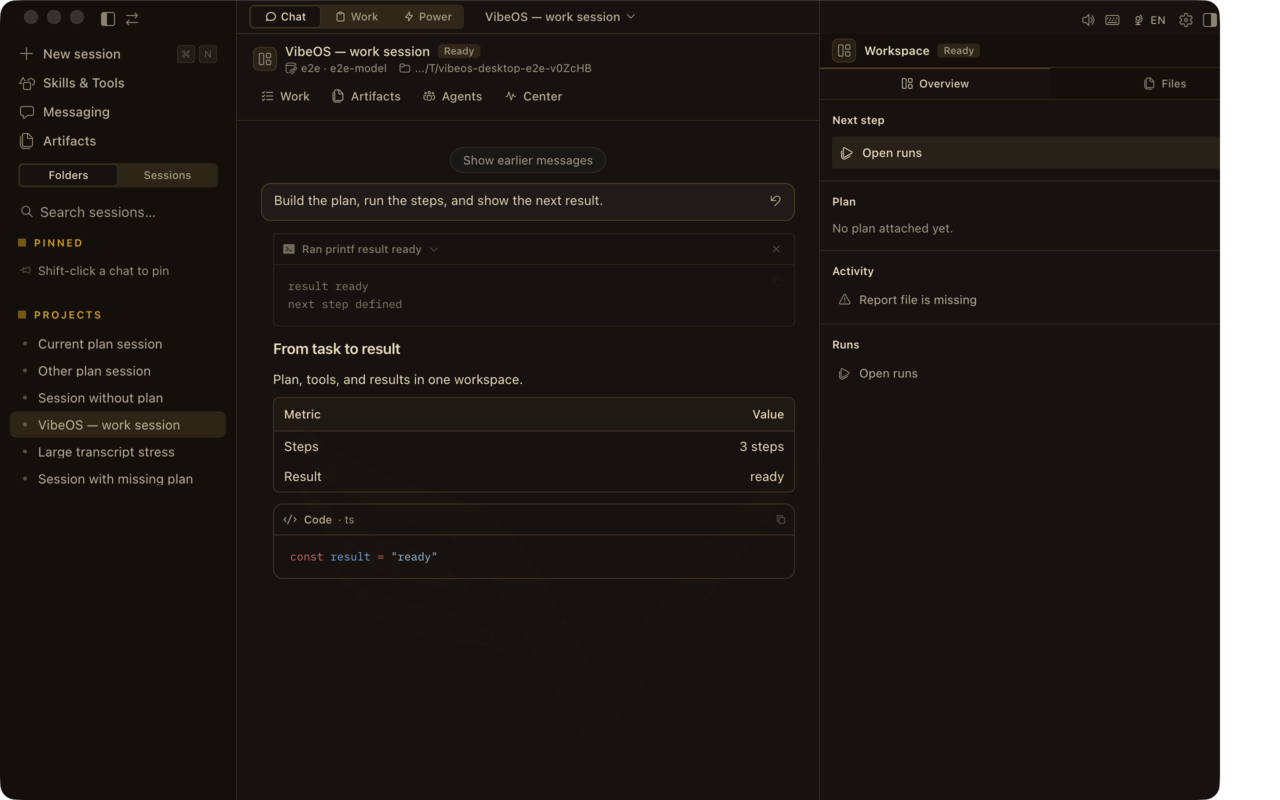
產品長什麼樣
帶 Plan · Report · Design · Runs 的 Desktop 聊天、Work 收件箱、審批與 skills。
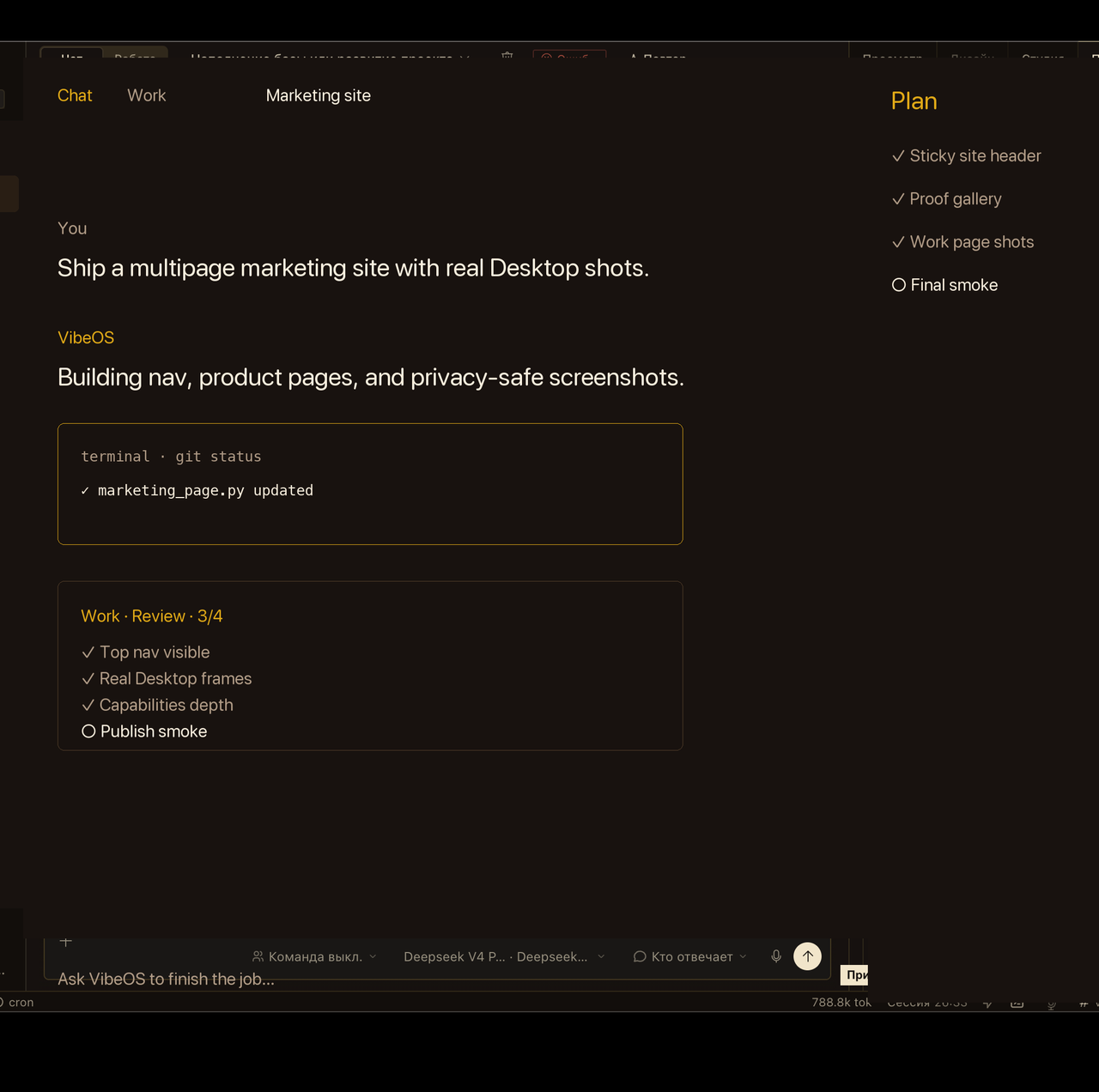


畫面爲注重隱私的產品截取(非客戶實時會話)。
Five steps (about 15 minutes)
Plain language
平易語言Full documentation
Open handbookProduct tour
Start tourDesktop app
下載Hosted plans
View plansAccount
Create a VibeOS accountCLI from source
Prefer terminal? Clone the repo and bootstrap. Same agent core as the desktop app.
git clone https://github.com/Linx72/VibeOS.git && cd VibeOS
./scripts/bootstrap-vibeos.sh
vibeos doctor
FAQ
Do I pay for model tokens in the VibeOS plan?
No. Hosted plans are seat + BYOK. You pay your model provider directly.
What is Free?
Free means self-hosted / local CLI and desktop — not a hosted dashboard account.
Why do I need an invite?
Signup on vibeos.com.ru is invite-based so each paid or trial seat gets an isolated home. Ask for a trial or complete checkout when enabled.
Can my hosted seat run Telegram bots?
Not yet on the shared hosted gateway. Self-host VibeOS for full messaging; hosted seats focus on the web workspace today.
Where do I get help?
Start with this hub and the handbook. Support contact appears on Pricing when the seller profile is filled in.
Stuck?
Need hosted access? Ask for an invite, or watch pricing for self-serve checkout. 登入 · Offer